
What's New in Rust's "Contacts" Update
June 2021 gave Rust a social memory: flag players as friendly or enemy, spot them through binoculars, and wave to show your nametag at range - plus phase one of the AI rework, new animal models, a demo shot system, and Rust+ IFTTT support.
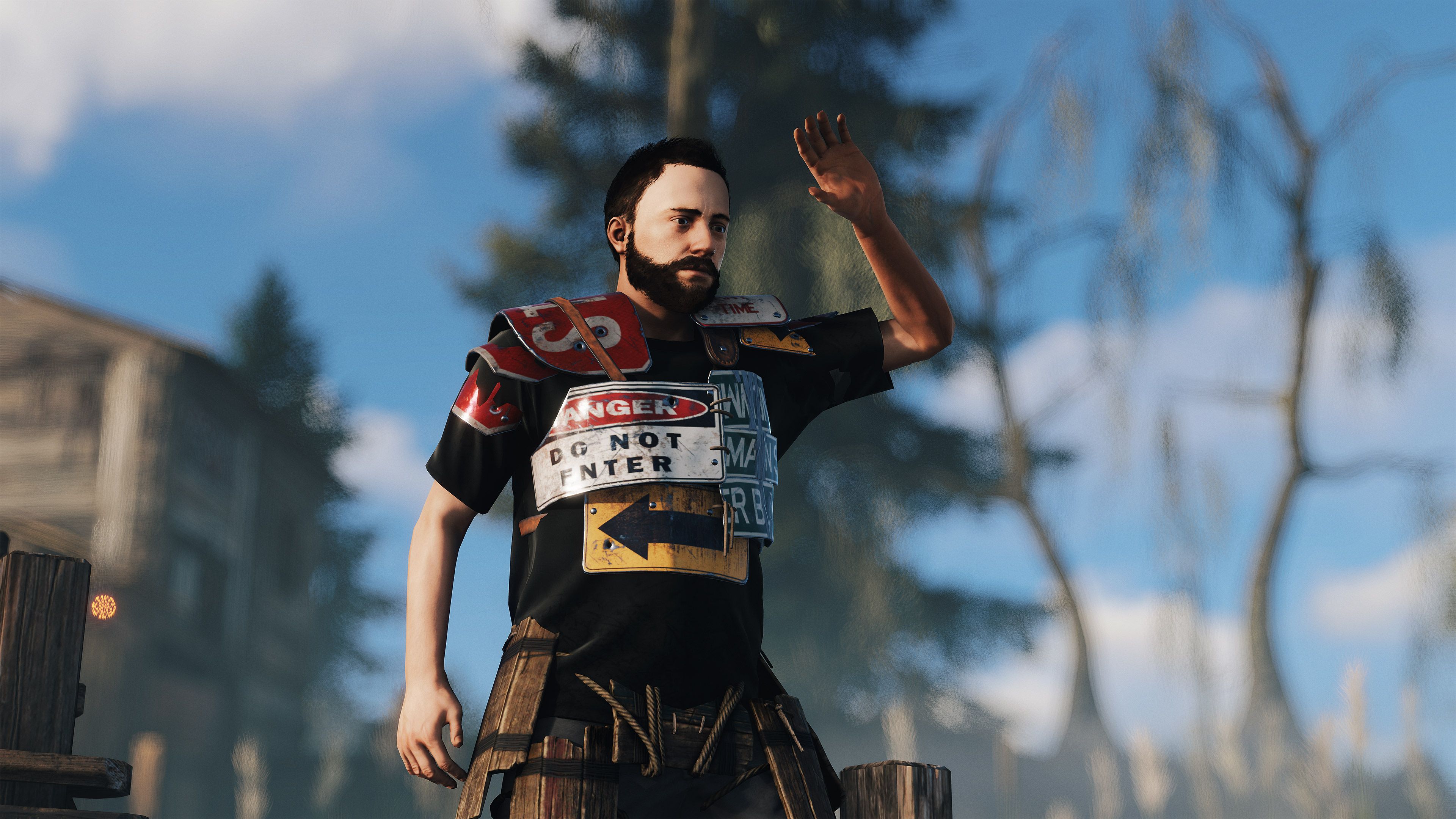
The Contacts update landed in June 2021 and finally gave Rust players a way to remember who shot them. The headline contact system added a social memory to a famously trust-free game, while under the hood Facepunch shipped the first phase of a complete AI rework, brand new animal models to match the previous month's world revamp, and a cinematic demo shot system for content creators.
The Contact System
A new tab on the inventory screen opens the contacts panel, where you can flag any player you've met as friendly or enemy — changing how their name tag appears when you run into them in the world. Players are automatically added to a 'seen' category once you've been in close proximity for several seconds, and anyone who kills you lands straight on your Enemy list. You can filter contacts by category (friendly/seen/enemy) and reassign anyone as you see fit.
Binoculars got a buff to match: they now show a coloured pip above players indicating friend or foe. There's also a rudimentary reputation system in the works that very slightly shades a player's nametag blue or red based on how likely they are to kill on sight — explicitly a work in progress, to be expanded later. Servers that want none of it can disable the whole thing with relationshipmanager.contacts false.
The nametag system changed too: using the wave gesture now displays your name plate at long distances to anyone you're looking at, letting you signal friendly intentions before the bullets fly. Facepunch's own framing was refreshingly honest — if you kill everyone on sight anyway, you can pretend this system doesn't exist; for everyone else, it might help you find like-minded players to team up with.
AI Rework: Phase One
The first phase of the AI rework shipped, replacing multiple different AI systems across different game locations with a single new one. Facepunch was candid that changing something this fundamental in an established multiplayer game was scary and bound to produce initial bugs, but the payoff is real: one unified system is far easier to keep updated, and new features work across all AI rather than only at certain monuments. Some new behaviours arrived immediately — keep an eye out for animal packs.
Updated Animals
In Facepunch's own words, the animals in Rust had "sucked for far too long", and they stood out badly against the freshly revamped world. This update gave them brand new models and materials, plus a fuzzy fur shader for the longer bits of hair — culled beyond LOD0, so no big performance hit was expected. The modelling pass even uncovered a lot of redundant bones in each rig, which were stripped out.
Rather than rebuild controller rigs from scratch (which would have added months and invalidated every existing animation), the team reworked animations on the existing rigs: idles got a lengthy polish, walks and some runs were updated where possible, and attacks and further cycles are planned as the AI grows more advanced. It's described as a baseline to build on, with the code-based turn movement also flagged for future improvement.
Demo Shot System
Content creators got the first iteration of a proper cinematic toolset. Load a demo with demo.hud enabled and you'll find a shot manager and scrubbable timeline, with the ALT key switching control between the demo UI and the debug camera. You can create shots — individual recordings of camera motion plus properties like FOV and DOF — that play back in sync with the demo scene. Hit "New Shot", name it, record your live camera movement, and press Escape to stop. Shots can be sorted into folders, renamed, moved, and deleted from the in-game interface.
The roadmap is ambitious: keyframe editing, redubbing elements of shots post-recording, UI for modifying world conditions like weather and time of day, and export options to render shots straight to video or image files.
Wire Colour Coding and Rust+ IFTTT
Two quality-of-life wins round out the features. First, a Reddit suggestion made good: you can now colour code electrical wires and hoses — hold Reload while holding the Wire Tool or Hose Tool to pick a colour (and per the changelist, you can press Reload to recolour wires that are already placed).
Second, Rust+ now works with IFTTT, connecting Rust to other apps, services, and devices. The canonical example: deep sleepers can wire Rust's smart alarms to their actual smart home alarm or bedroom lights. You'll need the Rust+ app set up on your phone with your servers paired, then link Rust+ from the Rust service page on IFTTT and build applets. One limitation at launch: the integration couldn't yet control smart switches, though that was being looked into.
Everything Else
The supporting cast this month included multiple procgen improvements — a full rewrite of monument spawn prioritization, harbors no longer spawning in tight spots that warped the coastline, and fixes for monuments spawning partially underwater and for terrain-height artifacts causing extreme slopes on certain seeds. Smaller niceties: improved tree X marker positioning in the tree minigame, an updated Solar Panel model, small batteries that can be rotated before deployment and placed on tables and boxes, poker tables that now show community cards and chips on the felt, and a fix for the M39 viewmodel ejecting two shells per shot. Sleeping players even stopped blinking.
A few housekeeping notes closed things out: no Twitch drops in June (resuming in July), a known issue with ice lakes not generating on procedural maps (fixed in July's update), and Hapis Island still out of the map pool while it's brought up to date with the new world visuals — progress being made, but no ETA yet.